Key takeaways
- Unplugged coding teaches sequences, loops, conditions and debugging with no screen.
- Children can start at 5 with arrow cards and a grid on the floor.
- A bug is just a mistake in the instructions, and fixing it is the main skill.
- Ages 8 to 12 can move on to loops, if/then rules and logic.
- Unplugged practice can make screen coding easier later, because the ideas are already familiar.
The simplest way to learn programming for kids is to start without a computer. Unplugged coding teaches the ideas behind code (a sequence of steps, repeats, if/then choices and fixing mistakes) using cards, a floor grid and a willing parent playing the robot. It suits ages 5 to 12, needs paper and tape, and takes 10 to 30 minutes per activity. Below are six games with steps and age versions, plus how to move onto screens when your child is ready. A printable secret code wheel is included.
What is unplugged coding?
Unplugged coding is learning how computers think by acting it out with objects and people instead of a screen. The child writes instructions, and a person or a toy follows them exactly.
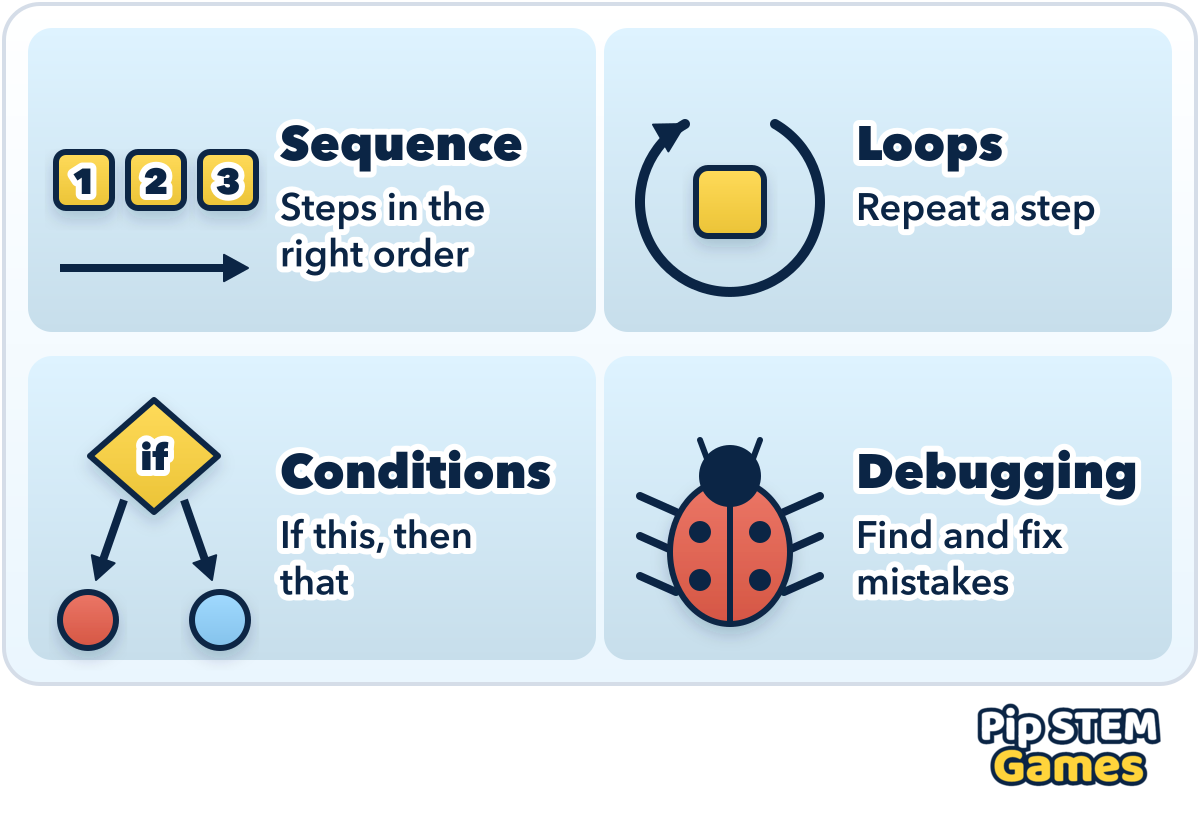
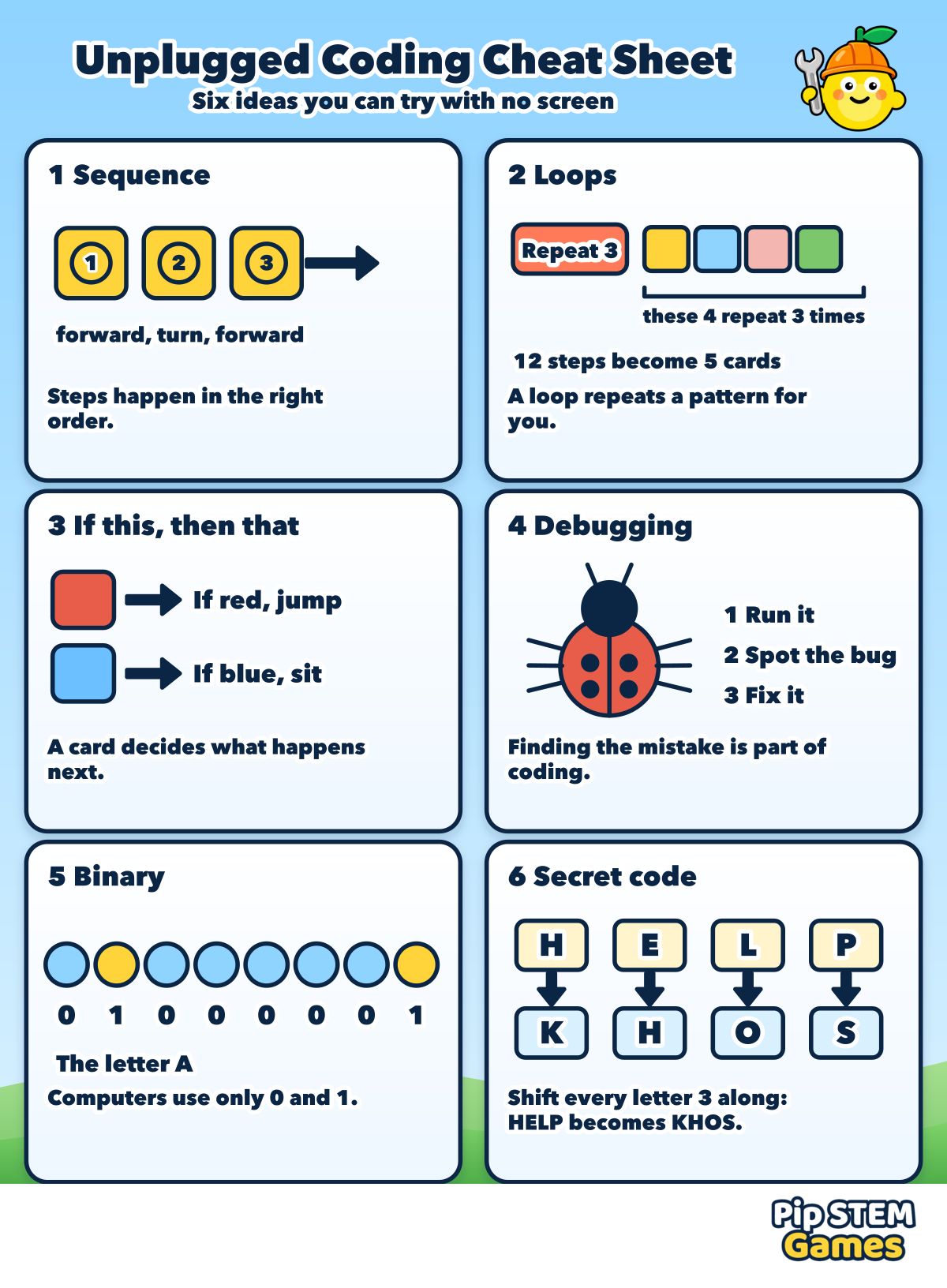
It teaches four ideas that all programming uses:
- Sequence: steps in the right order.
- Loops: repeating a step instead of writing it again.
- Conditions: "if this, then that".
- Debugging: finding and fixing what went wrong.
CS Unplugged, for example, publishes unplugged activities aimed at ages 5 to 12. In England, KS1 children learn what algorithms are and how to debug simple programs, so unplugged play lines up neatly with school.
Why learn to code without a computer first?
Because the thinking comes first and the typing comes second. A child who can order steps and spot a bug on a floor grid may find screen coding easier to follow.
There are practical benefits too:
- No device needed, so it works in the car, at a table or in a garden.
- Mistakes are funny rather than stressful. A parent walking into a wall is a good bug.
- It slows things down. Children can see each step happening.
Being the robot can help children who find block coding on a tablet hard to follow.
How do you play Human Robot (ages 5 to 7)?
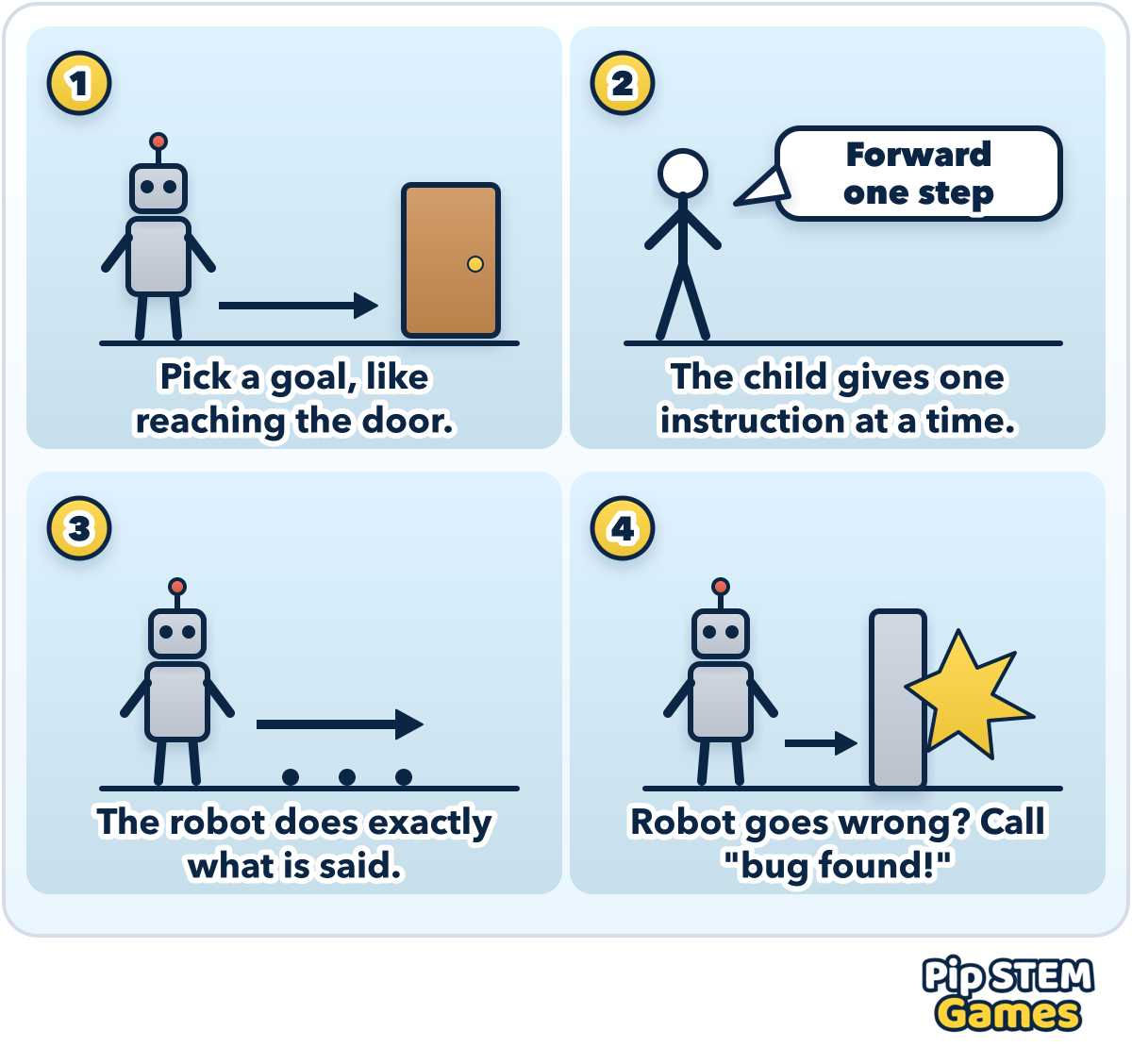
One person is the programmer. The other is the robot, who can only do exactly what's said.
- Pick a goal: reach the door, pick up a sock, or stand on a mat.
- The child gives one instruction at a time: "forward one step", "turn right", "stop".
- The parent-robot follows exactly. If the instruction is vague, the robot freezes.
- When the robot goes wrong, say "bug found!" and fix the instruction together.
Making a sandwich is a classic: "put the jam on the bread" gives you a jar on a loaf. Children find this hilarious and learn that computers need precise instructions. Keep each go to 5 to 10 minutes. If you use real food, check for food allergies first.
How do arrow cards and a grid work?
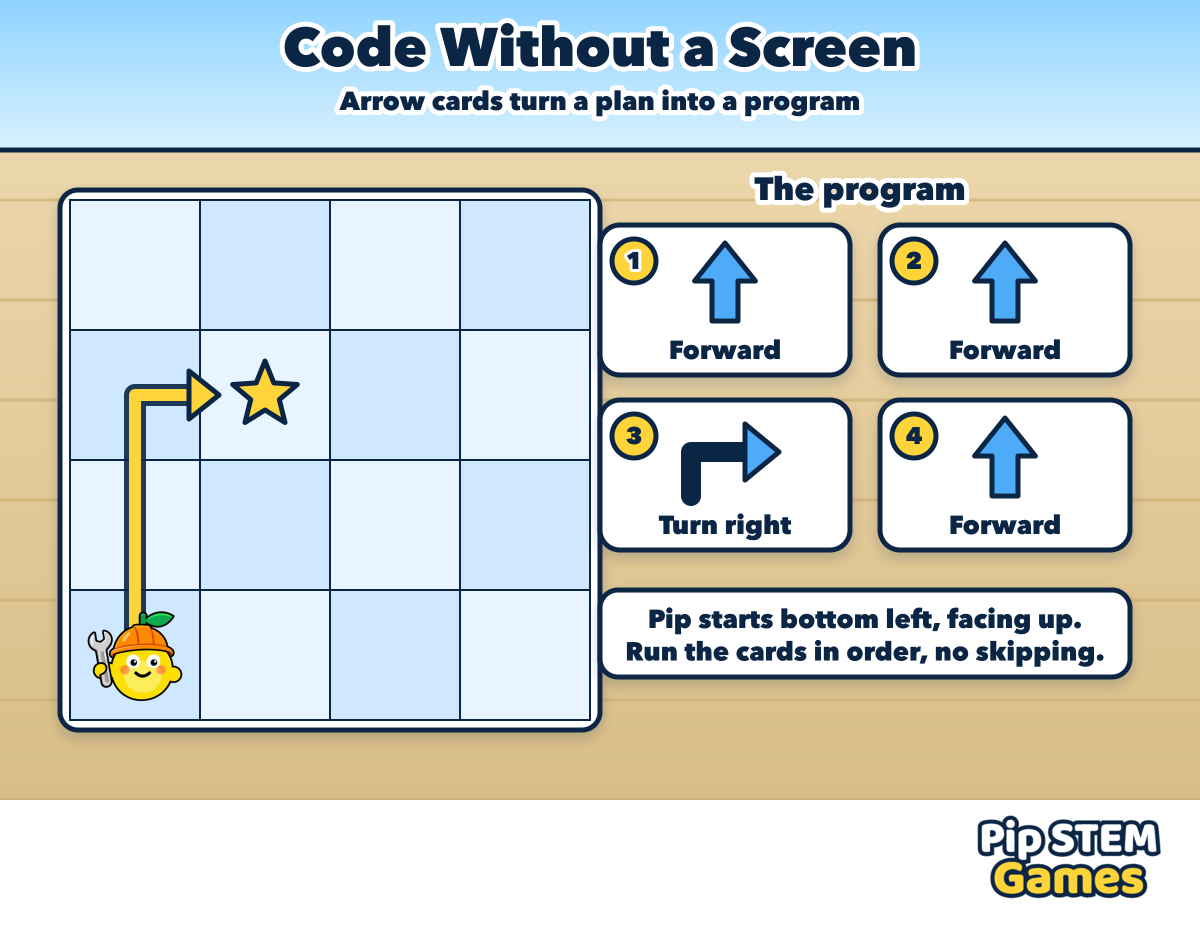
Make a 4 by 4 grid from paper squares or masking tape. Draw arrow cards: forward, left, right. Place a toy at the start and a star at the goal.
- The child lays a row of cards, say forward, forward, right, forward.
- Read the cards aloud and move the toy one step per card.
- If the toy misses the star, find the bug. Which card is wrong?
- Swap with a sibling. Can they solve the other child's puzzle with fewer cards?
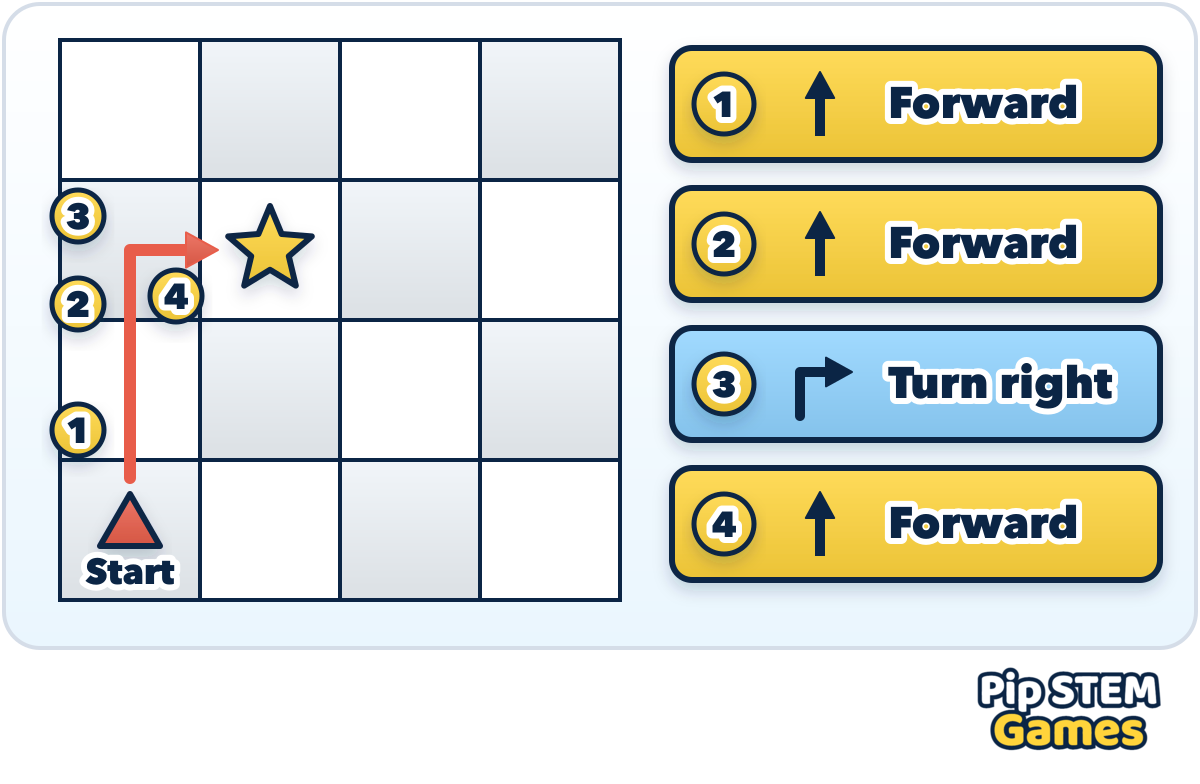
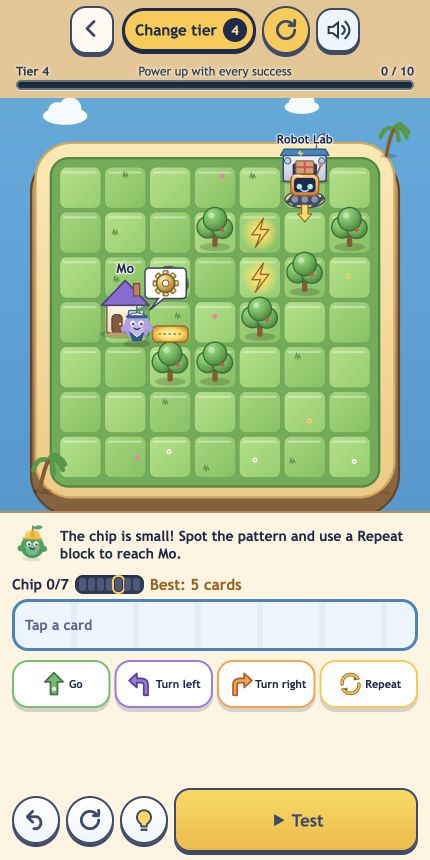
For ages 5 to 7, start with a 3 by 3 grid and no obstacles. For ages 8 to 12, add walls (blocked squares), a limit of six cards and a repeat card that means "do this block twice". Try the Robot Steps game afterwards: it uses the same idea of planning a path in order.
How can kids learn loops and if/then rules?
Dance and Simon Says are the easiest ways in. A loop is just a repeat, and an if/then is a choice.
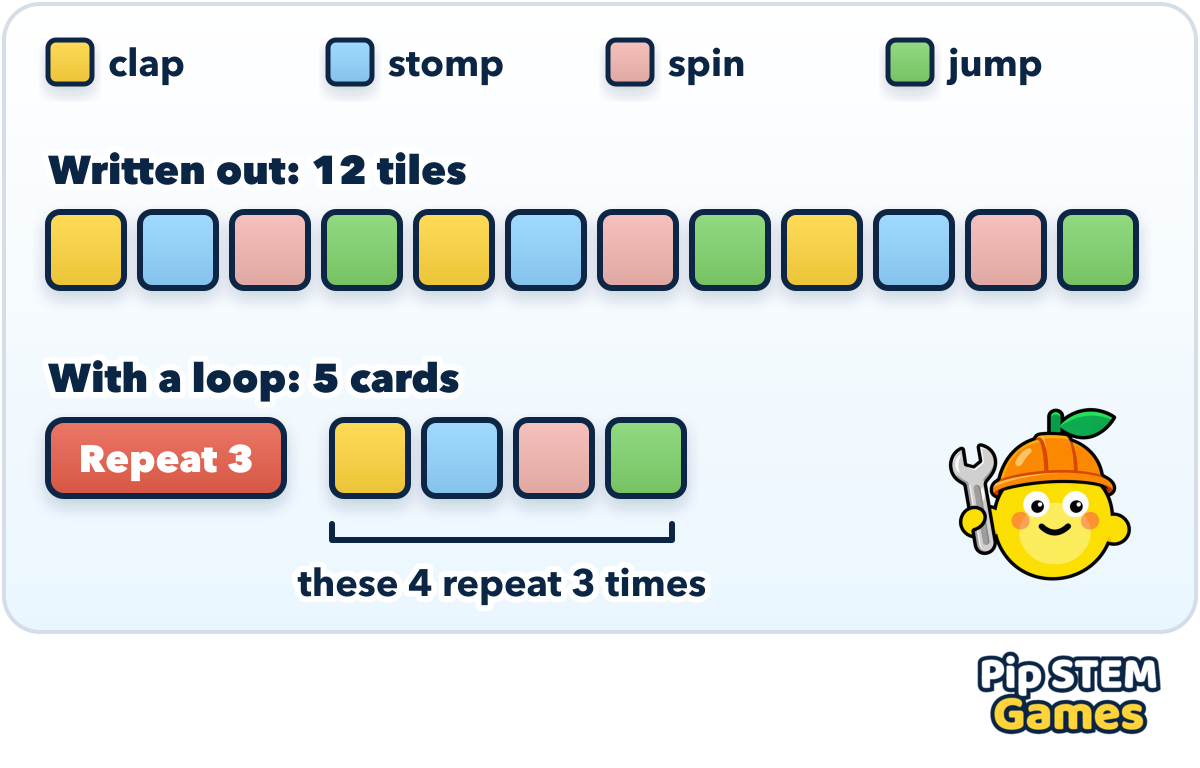
Loop dance: make a four-move dance, such as clap, stomp, spin, jump. Write it once, then add "repeat 3". Compare writing it three times and using one loop. Which is shorter? That's why programmers love loops.
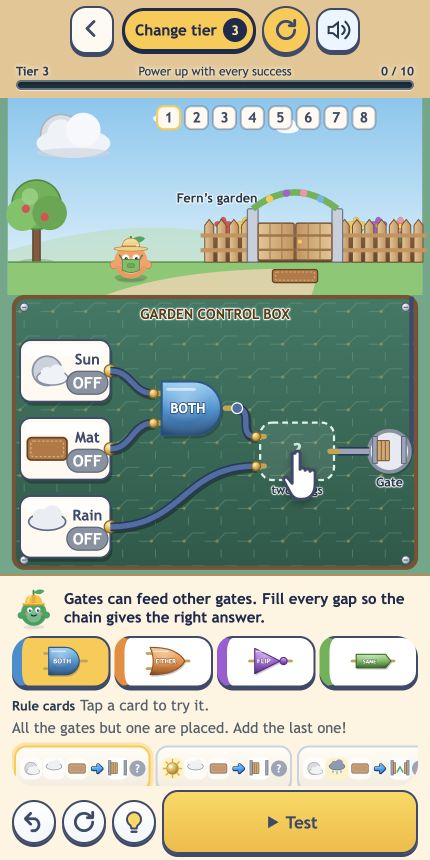
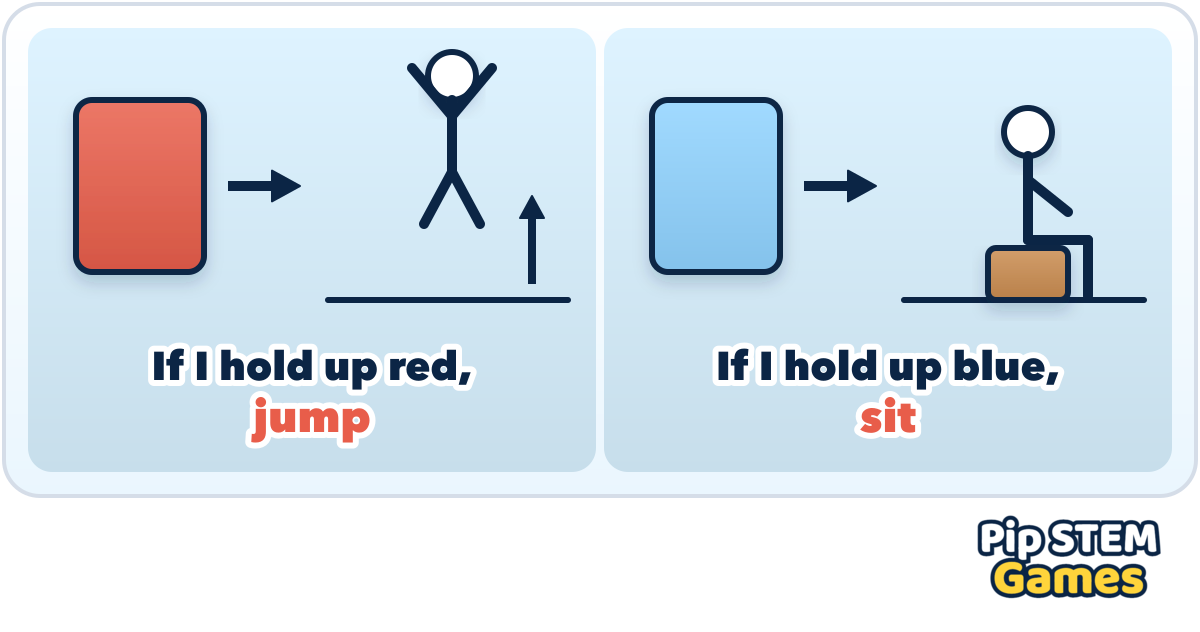
If/then Simon Says: change the rules. "If I hold up red, jump. If I hold up blue, sit." Mix up the colours quickly. Add a harder rule: "if red AND I am smiling, spin". That's logic, and it leads into the AND, OR and NOT gates in our Logic Gates game.
Try to count steps too. A 12-step instruction with a loop in it can shrink to about 5. Kids see the saving straight away.
What about secret codes and ciphers?
Codes teach the idea that information is stored in a pattern, which is how computers work. Ages 8 to 12 love them.
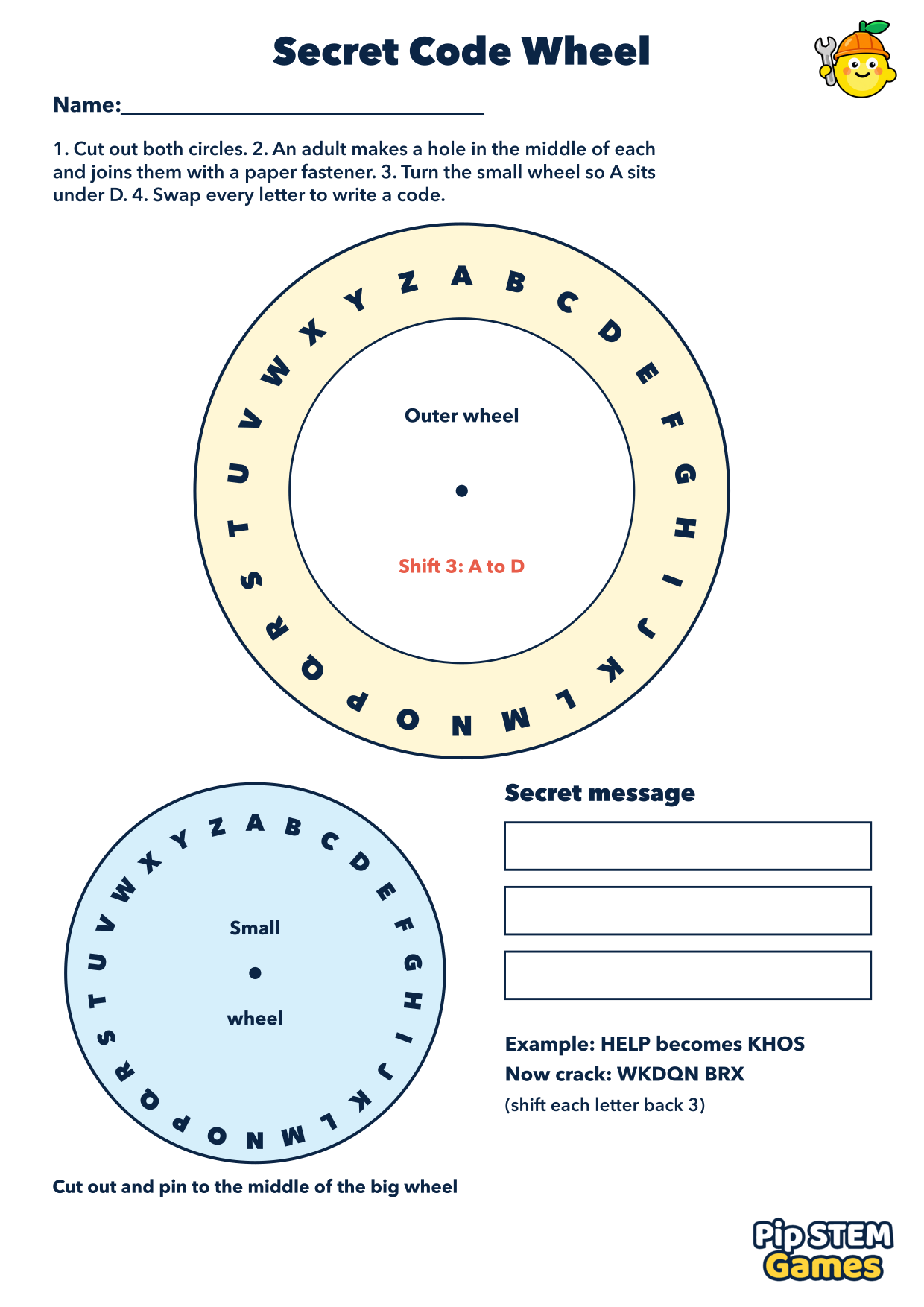
- Caesar shift: move each letter three places along the alphabet. A becomes D.
- Binary bracelets: use two bead colours for 0 and 1 and spell an initial. An adult should supervise, and beads are a choking risk for under-6s, so keep them away from small children.
- Morse code: dots and dashes taped on a torch signal.
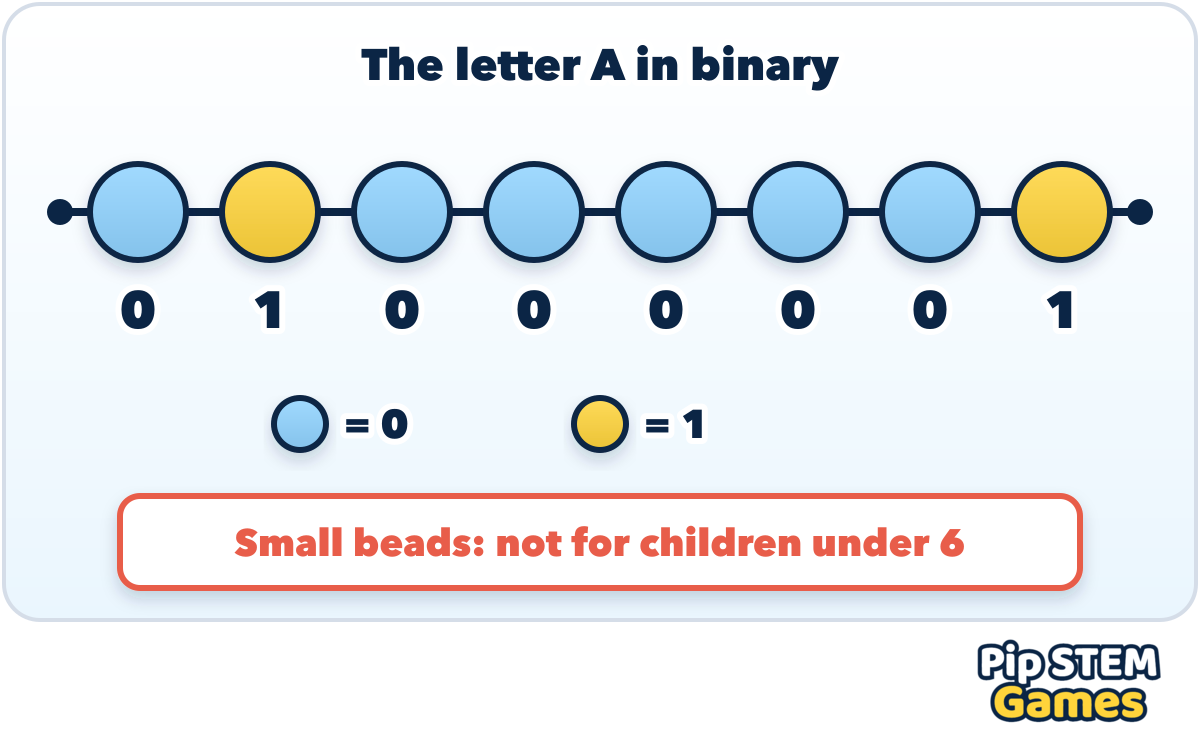
Cracking someone else's code is debugging in disguise. Our Secret Codes game gives them a puzzle to crack once they've made their own. For another logic puzzle on paper, see the conveyor belt logic puzzle.
When should children move on to screen coding?
Move on when they can write a short sequence, spot a bug and use a repeat without help. There's no fixed age, so go by these signs.
A good first screen step is a block-based tool where they drag instructions together instead of typing. Keep sessions to 20 to 30 minutes and keep playing unplugged games alongside. Planning on paper first is a habit worth keeping.
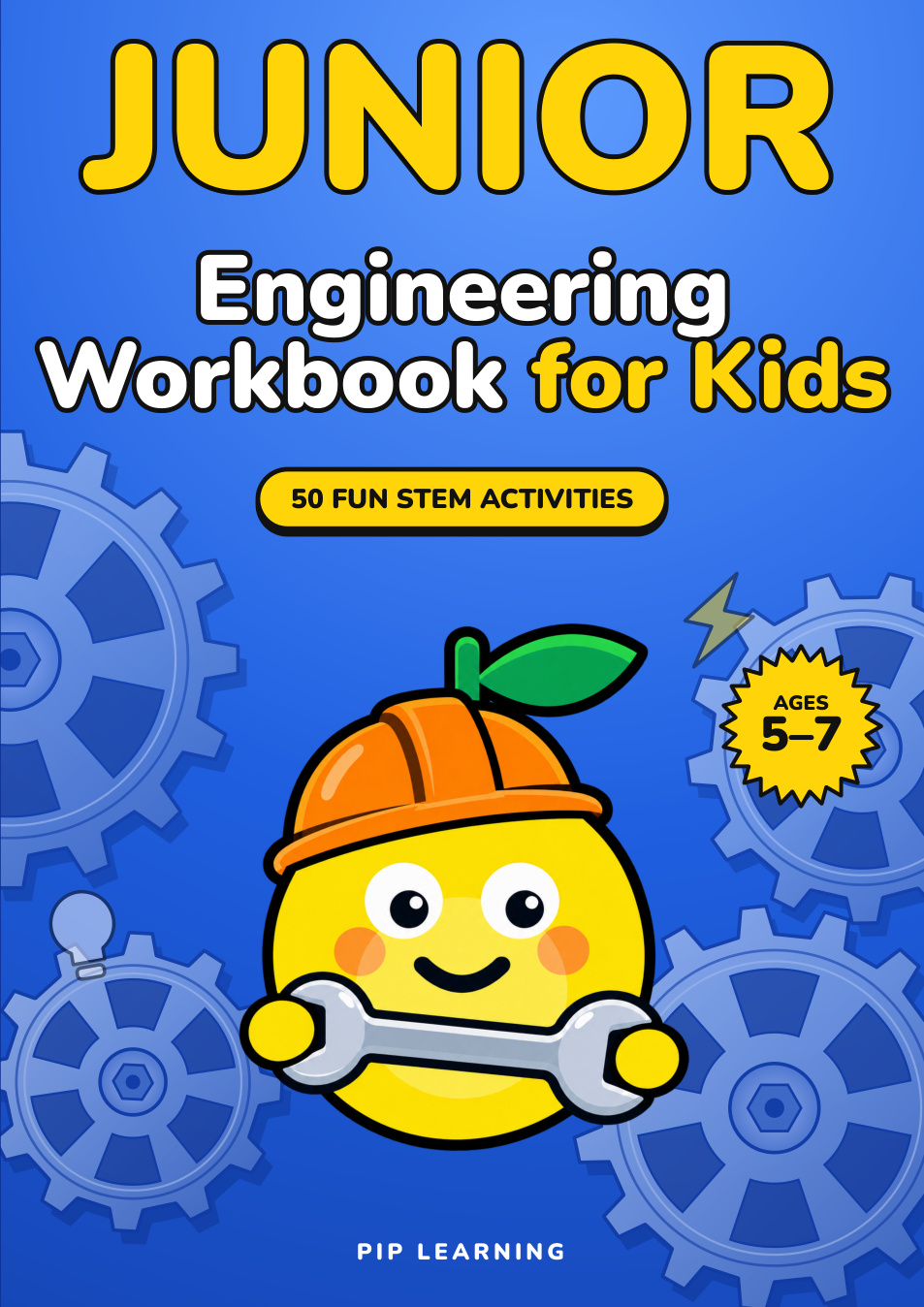
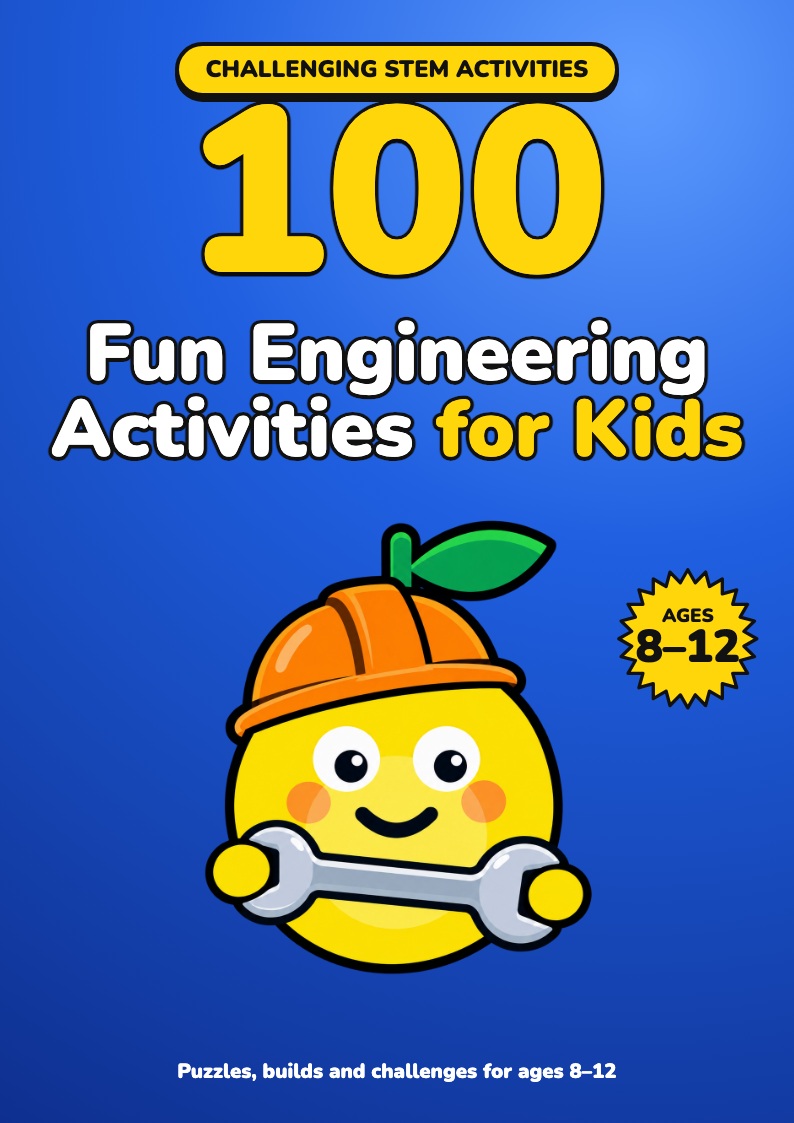
Pip's workbooks take the same thinking onto paper: Junior Engineers for ages 5 to 7 and Senior Engineers for ages 8 to 12, which includes logic puzzles. Our guide to STEM games for kids covers screen options that build the same habits.
What goes wrong, and how do you fix it?
Most problems are about too much too soon. Reduce the task and try again.
- Child gives long vague instructions: limit to one step at a time.
- They get cross when the robot messes up: make a joke of it. "The robot did exactly what you said!"
- Grid too tricky: shrink it to 3 by 3 and remove walls.
- Bored after two goes: give them a bigger twist, such as writing a puzzle for you to solve.
Pro tip: praise the bug-find, not the first-time success. "You spotted the wrong turn" tells them what to repeat.
Questions parents ask
What is unplugged coding?
It's learning how programming works without a computer. Children use cards, games and role-play to practise sequences, loops, conditions and debugging.
What age can kids start learning to code?
From about 5, with simple sequencing games like Human Robot or arrow cards on a grid. Screen coding can follow once they can handle these ideas on paper.
Do kids need a computer to learn programming?
No. The core ideas are logic, order and problem-solving, and children can practise them with paper, toys and a floor grid.
What is a bug in coding?
A bug is a mistake in the instructions that makes the program do the wrong thing. Finding and fixing bugs is a main skill in programming.
What are good unplugged coding activities?
Human Robot, arrow cards on a grid, loop dances, if/then Simon Says and simple ciphers such as the Caesar shift. Each takes 10 to 30 minutes.
Is unplugged coding useful at school?
Yes. The English computing curriculum introduces algorithms and debugging in KS1, and sequence, selection (conditions) and repetition (loops) in KS2, so unplugged games match the topics.
Great STEM activities to try next...
 The Factory Conveyor Belt Logic PuzzleActivity
 One Gear Changes the Whole MachineActivity
 Can Your Child Fix This Broken Circuit?Activity
More to try:
Pip STEM Games
We make engineering games and workbooks for kids aged 5 to 12. Every activity here is one we'd happily run at the kitchen table: test it, watch it fail, fix it, try again.